YOUR BRAND
IMPLEMENTATION PARTNER


© BrandOps Creative Pty Ltd. All rights reserved.
September 2026
AI-generated business documents can save significant time, but the usability of the outputs can often be difficult to edit. This where a well-designed foundational template comes in, setting the brand groundwork and visual brand expectations for future document production.
We've seen content that was clearly a table, for example, but when you click into it, it's actually a collection of individual text boxes. It may look fine initially, but editing it is painful and inefficient.
The answer isn't simply better AI. It's giving AI a better base template to work with.
A properly built Microsoft template can provide the fonts, colours, styles, layouts, placeholders and hierarchy that establish the intended structure before AI starts generating content.
Let's explore further.
Below are some of the questions we hear most from firms about why their AI-generated documents aren't landing the way they expected.
Why do AI-generated Word and PowerPoint documents look inconsistent?
AI can generate content quickly, but consistency depends on the instructions, inputs, source material and document framework it is working with.
In Word, styles, themes and templates can establish consistent typography and document hierarchy. In PowerPoint, themes, Slide Masters, layouts and placeholders provide a framework for presenting content consistently.
Without those foundations, AI has more decisions to make about how content should be formatted and presented.
Why are AI-generated PowerPoint or Word documents difficult to edit?
Because visual appearance and document structure aren't the same thing. Take a file we were working on the other day; a table had been placed by AI, but upon closer inspection when editing it wasn’t a table at all, rather it was a series of lines, shaded boxes and individual text boxes.
The goal isn't just a document that looks right. It's a document that's built correctly underneath.
Is the problem the AI itself, or something else?
AI can produce impressive content and increasingly sophisticated layouts, but the result depends on the AI, the application, the template, the instructions and the source material.
Without an appropriate template, AI has less structure and fewer brand parameters to work within. A well-designed template provides a stronger framework.
The objective is therefore is to give AI better structures and clearer parameters to work with.
How do inconsistent AI-generated documents affect client perception?
Every proposal, report or presentation contributes to the impression of a firm.
Inconsistent typography, spacing, layouts or visual hierarchy may not always be consciously noticed by the reader, but they can make a document feel less cohesive.
We've seen this affect perception in practice. A document that looks inconsistent or poorly constructed can leave a reader questioning the firm's professionalism, expertise or attention to detail. We have seen perception impact a person’s decision-making because “if they can’t handle a PowerPoint, how are they going to handle the engagement”.
A strong visual identity therefore needs to extend beyond the logo and colour palette. It needs to work consistently across the documents your business produces every day, which is where branded templates come in.
What should a template include to work properly with AI-generated content?
The answer depends on how the firm works and the types of templates that are needed.
For PowerPoint, this can include approved fonts and colours, appropriate Slide Master layouts, meaningful placeholders, representative sample slides and consistent visual patterns.
For Word, styles, headings, themes and reusable document structures are particularly important.
The objective is to create a framework that reflects how the content will actually be used, rather than simply making a document look attractive.
Will better AI prompting fix inconsistent or broken documents?
Better prompting can certainly improve AI output, but prompting isn't a substitute for template and document structure.
A good prompt tells AI what you want to create.
A good template establishes how content should be structured and presented, and provides the brand rules AI is expected to follow.
If users need increasingly complicated prompts just to reproduce the same formatting and layout rules, those rules should belong in the template or brand system instead. In other words, the template IS the necessary base for good AI generated documents.
AI has changed how quickly businesses can create documents. The next challenge is making sure that speed doesn't come at the expense of consistency, editability and brand quality.
The better the underlying document system, the less work there is likely to be fixing the output afterwards.
A professionally built Microsoft template will give AI a strong foundation to work from.

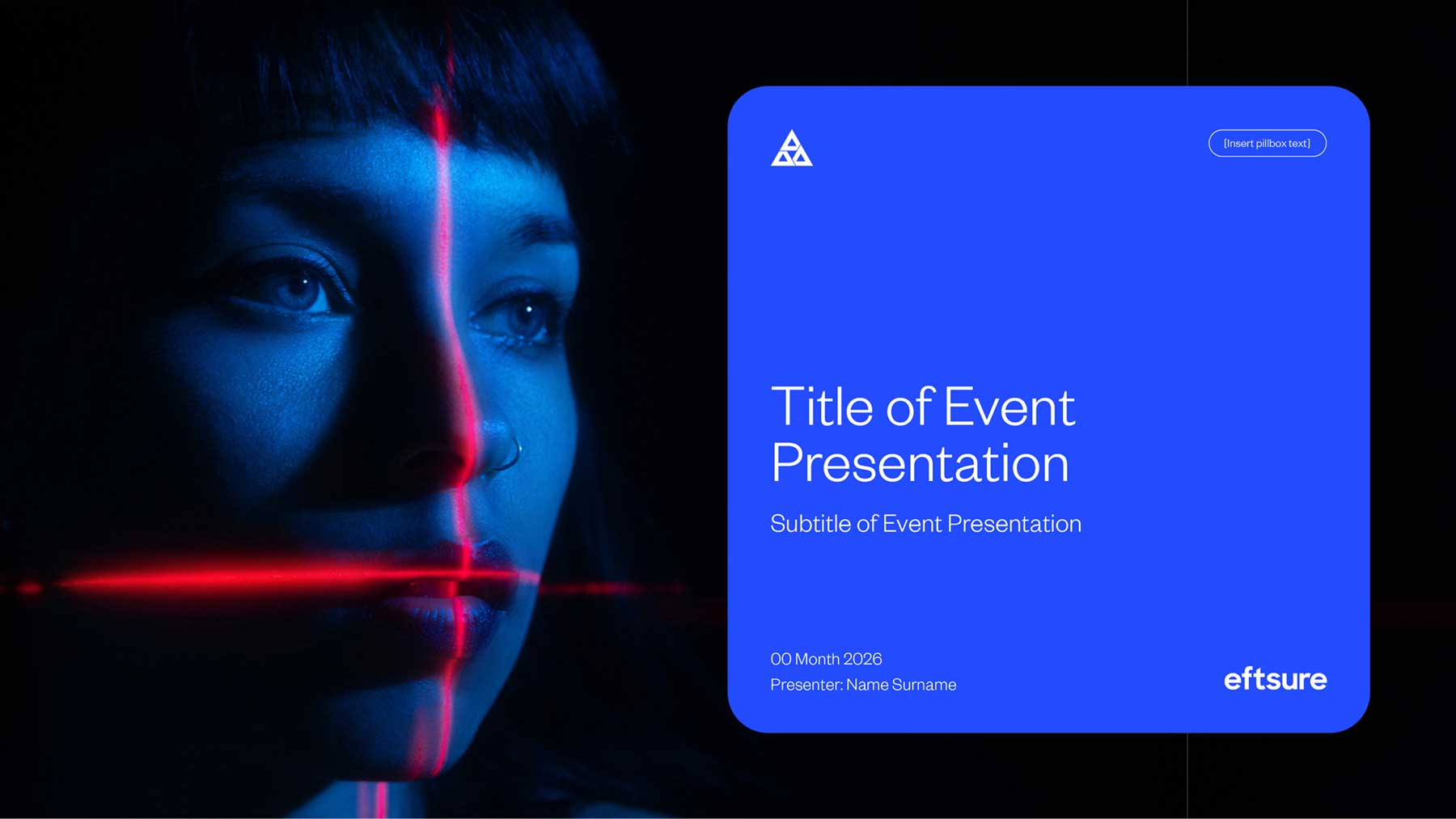
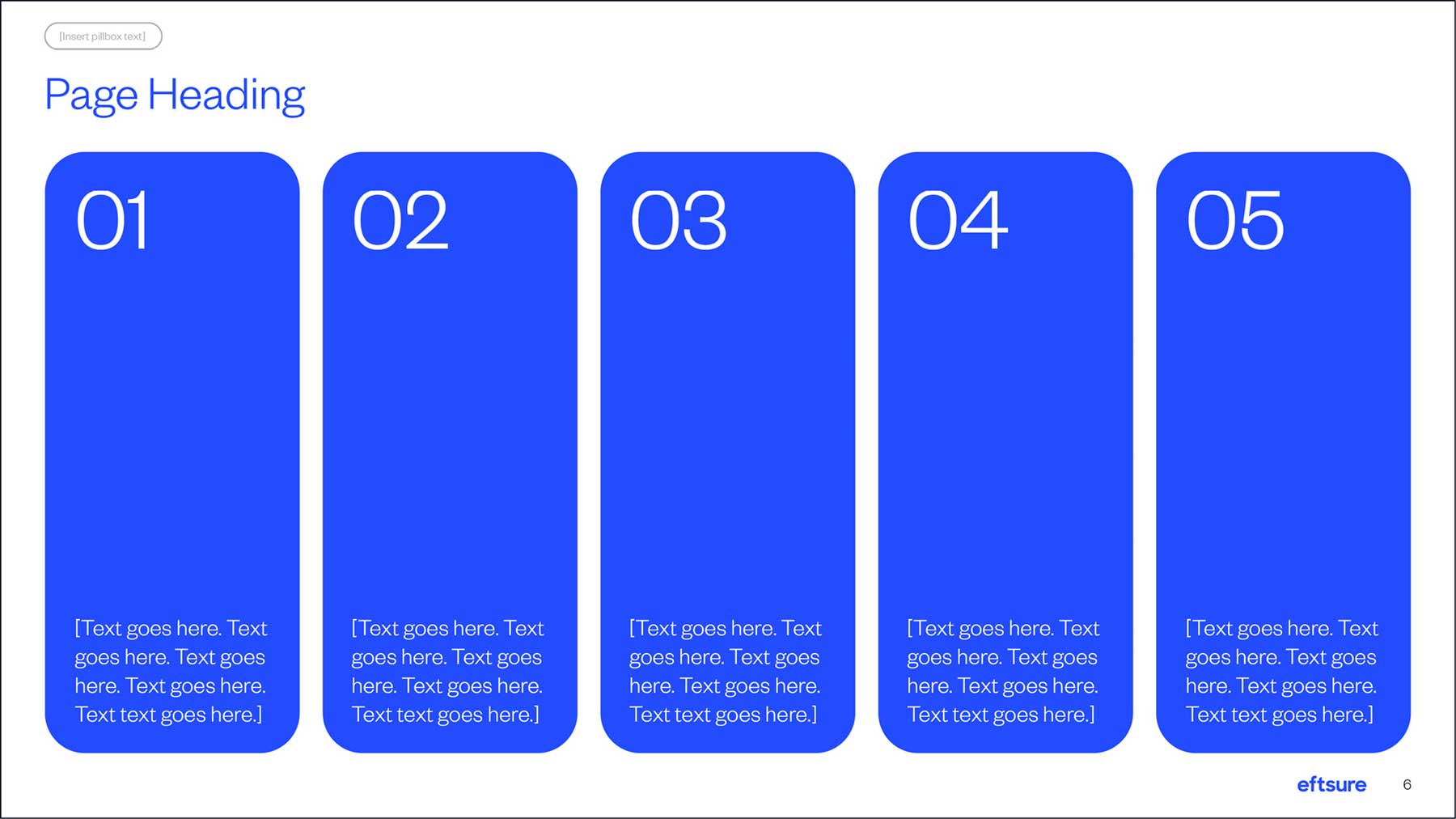
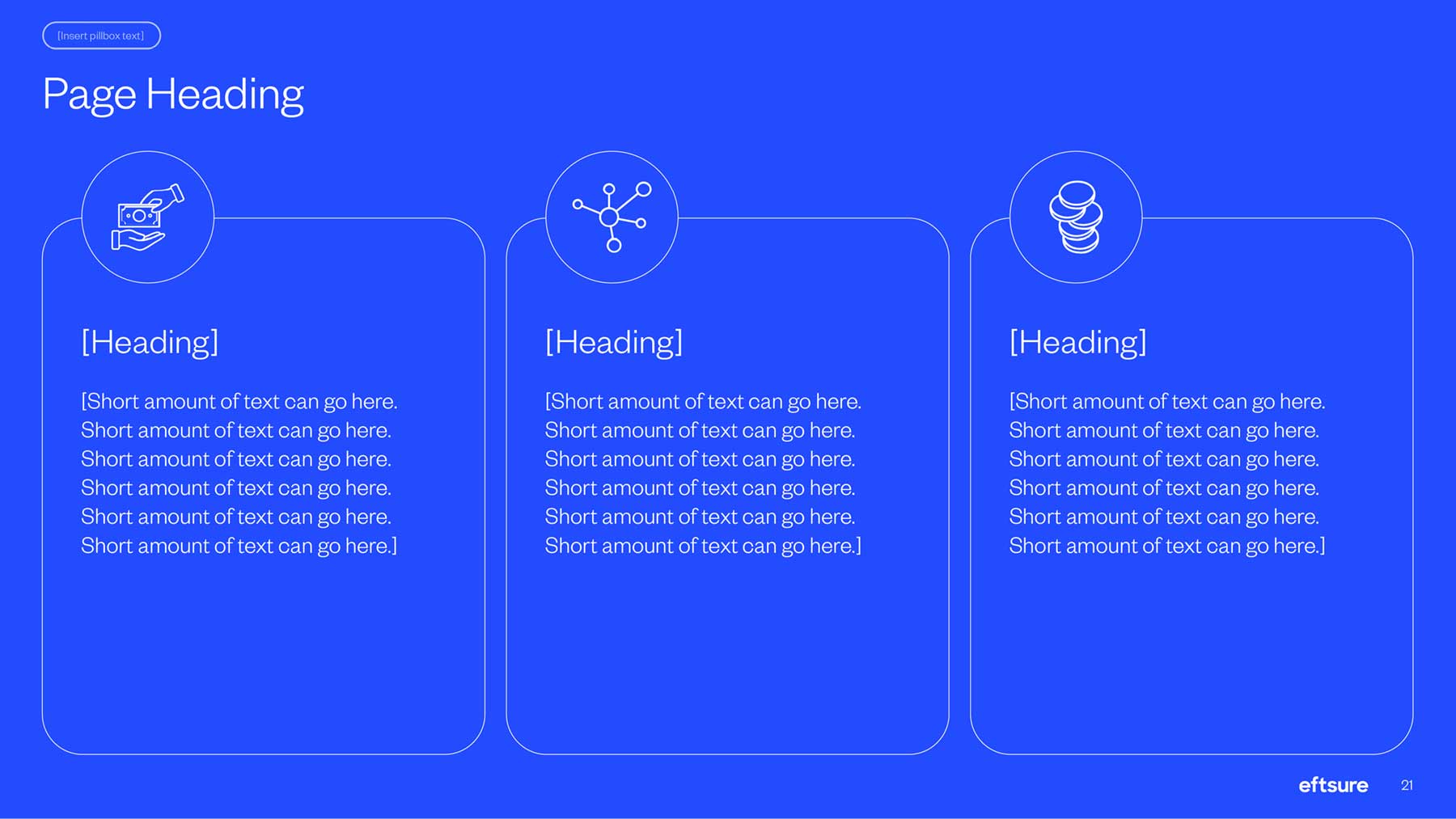
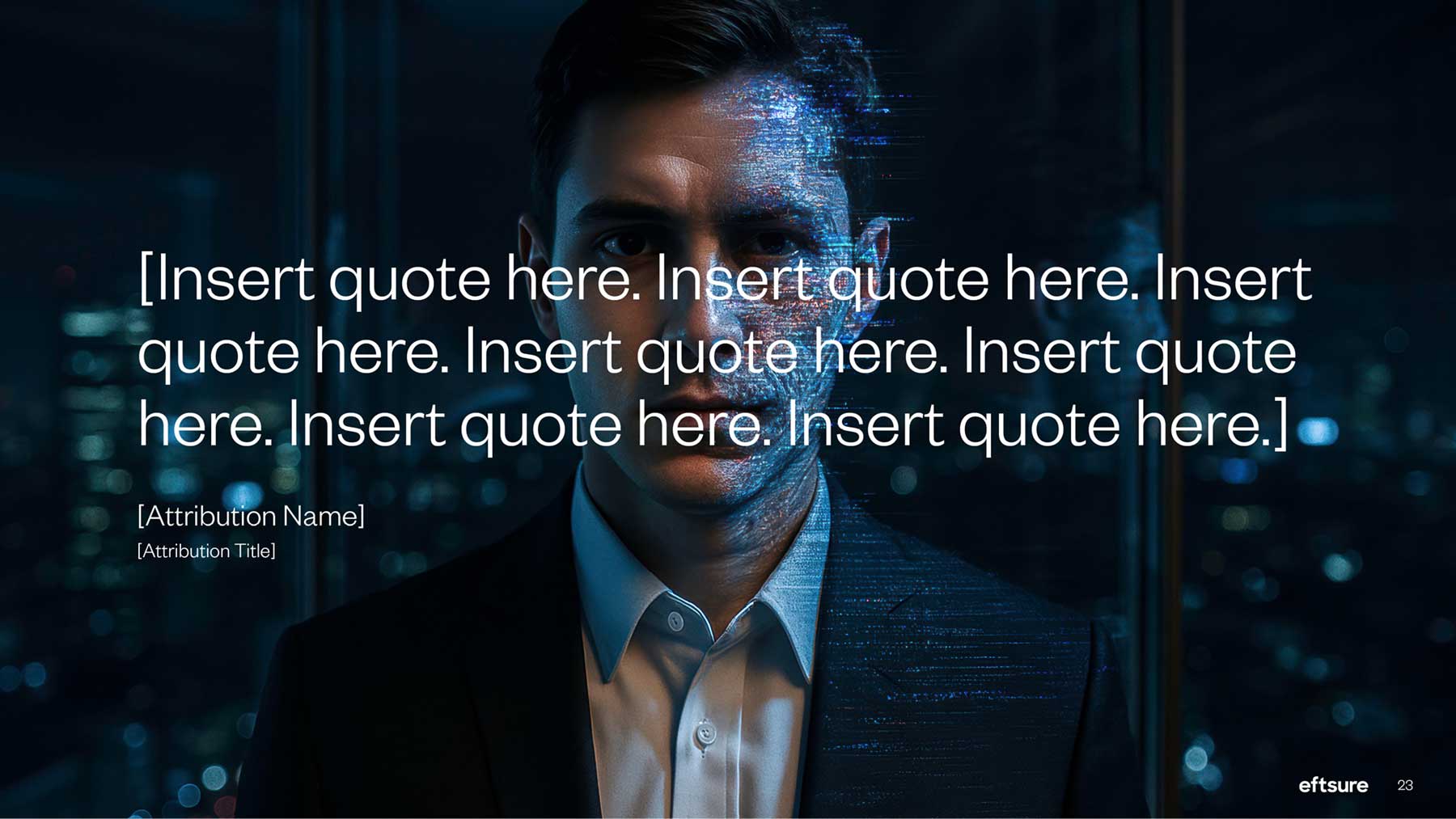
We recently designed and developed PowerPoint templates for software firm Eftsure. The templates were built specifically to work with Claude AI, with a strong foundation of brand, hierarchy, placeholders and slide master enhancements to ensure content stays on brand.


September 2026
AI-generated business documents can save significant time, but the usability of the outputs can often be difficult to edit. This where a well-designed foundational template comes in, setting the brand groundwork and visual brand expectations for future document production.
We've seen content that was clearly a table, for example, but when you click into it, it's actually a collection of individual text boxes. It may look fine initially, but editing it is painful and inefficient.
The answer isn't simply better AI. It's giving AI a better base template to work with.
A properly built Microsoft template can provide the fonts, colours, styles, layouts, placeholders and hierarchy that establish the intended structure before AI starts generating content.
Let's explore further.
Below are some of the questions we hear most from firms about why their AI-generated documents aren't landing the way they expected.
Why do AI-generated Word and PowerPoint documents look inconsistent?
AI can generate content quickly, but consistency depends on the instructions, inputs, source material and document framework it is working with.
In Word, styles, themes and templates can establish consistent typography and document hierarchy. In PowerPoint, themes, Slide Masters, layouts and placeholders provide a framework for presenting content consistently.
Without those foundations, AI has more decisions to make about how content should be formatted and presented.
Why are AI-generated PowerPoint or Word documents difficult to edit?
Because visual appearance and document structure aren't the same thing. Take a file we were working on the other day; a table had been placed by AI, but upon closer inspection when editing it wasn’t a table at all, rather it was a series of lines, shaded boxes and individual text boxes.
The goal isn't just a document that looks right. It's a document that's built correctly underneath.
Is the problem the AI itself, or something else?
AI can produce impressive content and increasingly sophisticated layouts, but the result depends on the AI, the application, the template, the instructions and the source material.
Without an appropriate template, AI has less structure and fewer brand parameters to work within. A well-designed template provides a stronger framework.
The objective is therefore is to give AI better structures and clearer parameters to work with.
How do inconsistent AI-generated documents affect client perception?
Every proposal, report or presentation contributes to the impression of a firm.
Inconsistent typography, spacing, layouts or visual hierarchy may not always be consciously noticed by the reader, but they can make a document feel less cohesive.
We've seen this affect perception in practice. A document that looks inconsistent or poorly constructed can leave a reader questioning the firm's professionalism, expertise or attention to detail. We have seen perception impact a person’s decision-making because “if they can’t handle a PowerPoint, how are they going to handle the engagement”.
A strong visual identity therefore needs to extend beyond the logo and colour palette. It needs to work consistently across the documents your business produces every day, which is where branded templates come in.
What should a template include to work properly with AI-generated content?
The answer depends on how the firm works and the types of templates that are needed.
For PowerPoint, this can include approved fonts and colours, appropriate Slide Master layouts, meaningful placeholders, representative sample slides and consistent visual patterns.
For Word, styles, headings, themes and reusable document structures are particularly important.
The objective is to create a framework that reflects how the content will actually be used, rather than simply making a document look attractive.
Will better AI prompting fix inconsistent or broken documents?
Better prompting can certainly improve AI output, but prompting isn't a substitute for template and document structure.
A good prompt tells AI what you want to create.
A good template establishes how content should be structured and presented, and provides the brand rules AI is expected to follow.
If users need increasingly complicated prompts just to reproduce the same formatting and layout rules, those rules should belong in the template or brand system instead. In other words, the template IS the necessary base for good AI generated documents.
AI has changed how quickly businesses can create documents. The next challenge is making sure that speed doesn't come at the expense of consistency, editability and brand quality.
The better the underlying document system, the less work there is likely to be fixing the output afterwards.
A professionally built Microsoft template will give AI a strong foundation to work from.
We recently designed and developed PowerPoint templates for software firm Eftsure. The templates were built specifically to work with Claude AI, with a strong foundation of brand, hierarchy, placeholders and slide master enhancements to ensure content stays on brand.